Designing an email that looks professional on both a giant desktop monitor and a compact smartphone screen used to require deep technical knowledge. You had to write complex HTML and CSS code, test it across dozens of email applications, and hope the layout did not break during transit. If you made a single coding error, your beautifully designed newsletter could transform into an unreadable mess of broken text blocks and missing images.
Modern software platforms have completely changed this process. Today, businesses rely heavily on visual, no-code interfaces to design their campaigns. Drag-and-drop email builders and pre-designed templates allow anyone to create stunning layouts in minutes, shifting the focus from coding troubleshooting back to core strategic messaging.
However, selecting the right software tool for your specific workflow is critical. Different platforms design their editors for different user skill levels and business goals. This comprehensive guide provides an objective, head-to-head analysis of two prominent email service providers: Constant Contact and Campaigner. We will dissect their design interfaces, template libraries, and editing capabilities to help you determine which software aligns best with your operations.
What Is a Drag-and-Drop Email Builder and Template System?
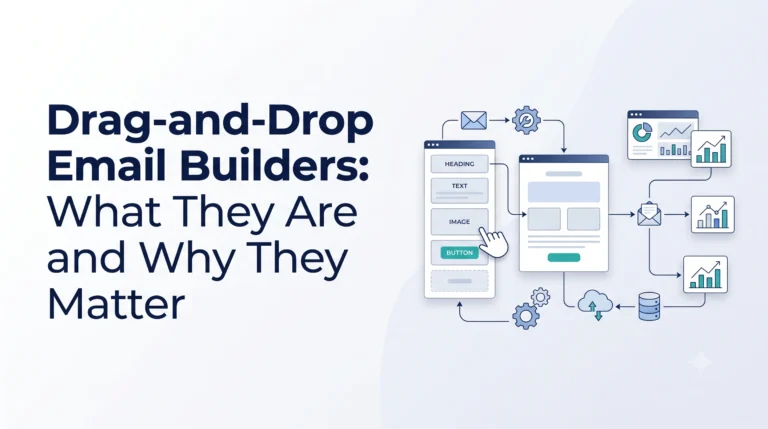
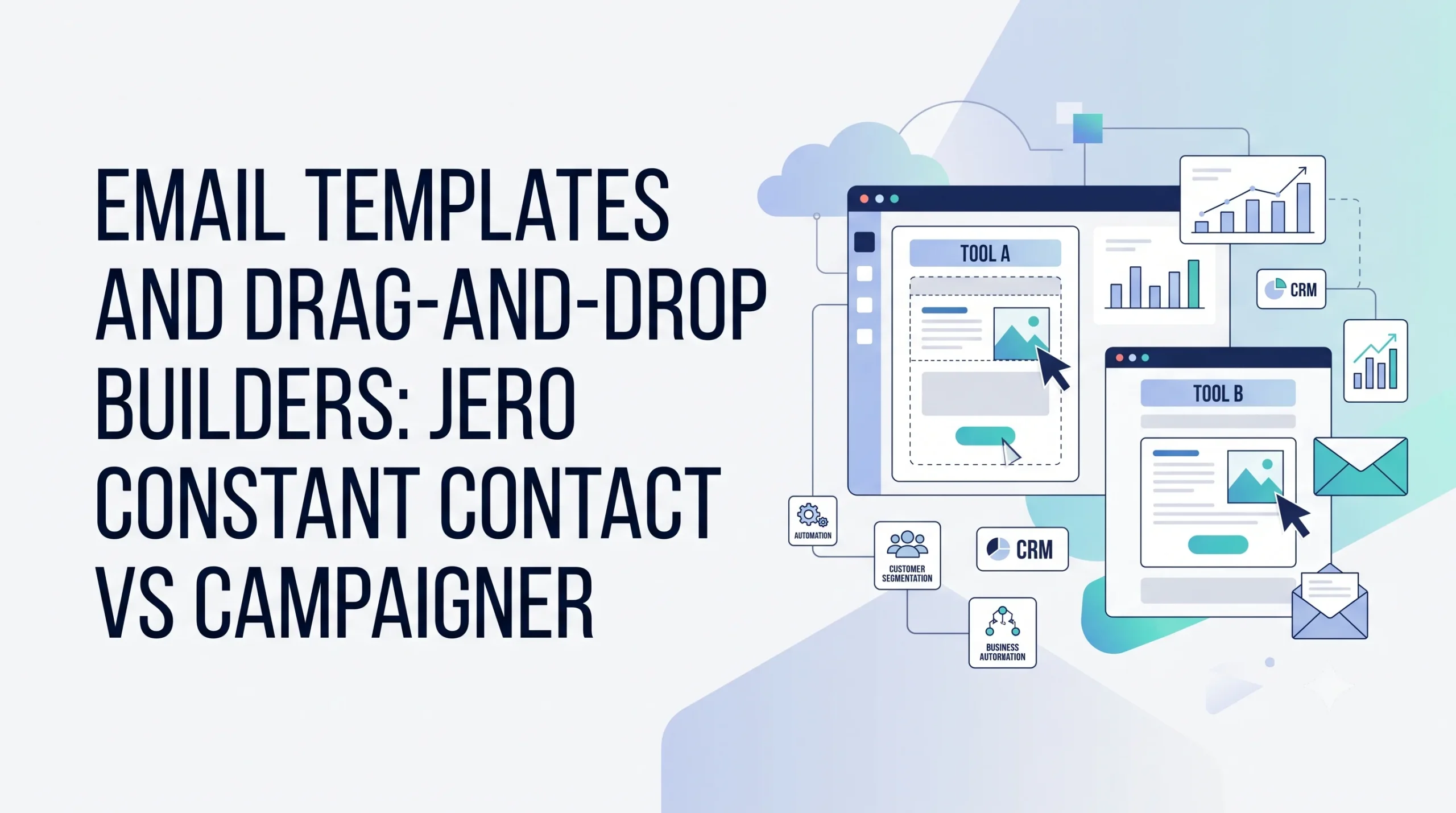
Before diving into the specific platforms, let us establish what these design systems actually are. A drag-and-drop email builder is a visual software interface that allows you to construct emails by physically moving design elements—such as text frames, image blocks, buttons, and social media icons—onto a digital canvas. The software automatically translates your visual layout into clean, responsive HTML code behind the scenes.
An email template is a pre-formatted blueprint that serves as the visual starting point for your campaign. Instead of starting with a blank white page, you select a layout that matches your goal, such as a product announcement, a monthly newsletter, or a holiday promotion. You then swap out the placeholder text and images with your own custom assets.
To see how these visual design tools fit into a larger business ecosystem, you can read our foundational overview, What Is Digital Marketing? or explore our guide on Email Marketing Basics.
Why the Email Design Interface Is Critical for Success
The design quality of your email campaigns directly impacts how your audience perceives your brand and whether they take action. A clunky, rigid design tool does more than just cause creative frustration; it can negatively impact your business metrics.
Direct Influence on Conversion Rates
An email’s layout controls the reader’s eye movement. If your visual editor makes it difficult to place a clear, prominent call-to-action (CTA) button exactly where it needs to go, your click-through rates will suffer. A clean design leads to higher user engagement and better sales outcomes.
Operational Time Savings
In business, efficiency matters. If your team spends hours wrestling with a rigid design layout or fixing broken text alignments, your production costs climb. An intuitive, responsive builder allows you to build, test, and deploy a campaign quickly, freeing up time for other tasks.
Delivering a Uniform Mobile Experience
Over half of all email opens occur on mobile devices. If your builder fails to properly optimize layout elements, images may appear distorted, or text sizes might become too small to read on a smartphone screen. Top-tier design systems ensure that your emails adjust seamlessly to fit any device size automatically.
How Visual Email Builders Work
Visual email builders rely on a structured grid architecture. The workspace is typically split into a content canvas on one side and a structural options panel on the other.
+------------------------------------+--------------------------+
|  [Header Block: Logo Goes Here]    |  [Content Elements]      |
+------------------------------------+                          |
|  [Image Block: Main Product Art]   |  [+] Text Block          |
+------------------------------------+  [+] Image Frame        |
|  [Text Block: Educational Copy]    |  [+] CTA Button          |
+------------------------------------+  [+] Spacer / Divider   |
|  [Button Block: "Click Here Now"]  |  [+] Social Icons        |
+------------------------------------+--------------------------+
When you grab an element from the selection panel and slide it onto the canvas, the builder highlights valid placement zones. Once dropped, you can click directly into the block to customize background shades, font styles, border padding, and hyperlink destinations. The system ensures the final layout remains stable, prevent elements from overlapping or breaking out of the container bounds.
Constant Contact: The Beginner-Friendly Ecosystem
Constant Contact has built a strong reputation in the digital marketing industry by focusing heavily on simplicity and ease of use. It is designed primarily for small businesses, non-profit organizations, and creators who need to build clean campaigns without a steep learning curve.
The Layout Builder Experience
The drag-and-drop editor inside Constant Contact is exceptionally fluid and forgiving. The interface is clean, uncluttered, and highly intuitive. Moving blocks around feels snappy, and the alignment guides make it easy to drop elements exactly where you want them.
The tool restricts deep, highly complex code alterations, which prevents beginners from accidentally breaking the email’s core responsiveness. It also features integrated tools to quickly add action blocks, such as event RSVPs, polls, and donation buttons, directly into your layout.
The Template Library
Constant Contact provides hundreds of pre-designed templates organized by industry and use case. Whether you run a local bakery, a real estate firm, or an online review platform, you will find a matching template.
While the selection is vast, some of the older templates can look slightly dated. However, their modern, minimalist templates are highly polished, responsive, and easy to brand with your company’s custom colors and fonts.
Campaigner: The Advanced Design Solution
Campaigner approaches email creation from a different perspective. It targets intermediate to advanced marketers, e-commerce brands, and mid-sized enterprises that require deep design customization, sophisticated logic, and advanced personalization tools.
The Layout Builder Experience
Campaigner’s visual builder offers granular control over every aspect of your layout’s architecture. You can adjust column distributions, fine-tune margin padding down to the individual pixel, and modify structural border properties with high precision.
A standout feature is its support for conditional content. This allows you to show or hide specific design elements or entire sections within a single email template based on a recipient’s demographic data or past purchase behavior. While highly powerful, this dense feature set creates a more complex interface that requires some time and experimentation to master.
The Template Library
Campaigner’s template library focuses heavily on modern, conversion-oriented layouts. The designs lean toward professional corporate themes, technical review structures, and sleek e-commerce product showcases.
Their templates are built from the ground up to support advanced dynamic personalization fields. This ensures that when you pull data from your customer database, the layout expands or contracts cleanly without breaking the surrounding design elements.
Head-to-Head Feature Comparison
To help you visualize how these two platforms compare across critical design categories, examine the detailed comparison table below:
| Feature / Capability | Constant Contact | Campaigner |
|---|---|---|
| Target Audience | Small businesses, beginners, non-profits | Intermediate marketers, enterprises, e-commerce |
| Builder Interface | Highly intuitive, smooth, simplified choices | Highly granular control, feature-dense panel |
| Template Variety | Hundreds of diverse, multi-industry options | Polished, modern, conversion-focused layouts |
| Advanced Coding Access | Basic HTML block editing options | Full HTML code view and advanced CSS editing |
| Dynamic Customization | Standard personalization tags (e.g., First Name) | Advanced conditional blocks based on user data |
| Integrated Form Elements | Built-in polls, RSVPs, and donation links | Advanced custom surveys and tracking elements |
| Mobile Customization | Automatic mobile stacking and resizing | Independent desktop vs. mobile layout tweaking |
Benefits and Limitations of Each Design Platform
No single software platform is perfect for every business scenario. Weighing the unique advantages and boundaries of each design engine will help you make a practical, informed choice.
Constant Contact Advantages
- Minimal Learning Curve: A beginner can log in and deploy a polished, professional email newsletter within 30 minutes.
- Excellent Stability: The simplified structural control means it is almost impossible to break the mobile responsiveness of your layout.
- Built-in Engagement Blocks: Direct integrations for events and polls eliminate the need for complicated third-party software plug-ins.
Constant Contact Limitations
- Design Rigidity: Advanced users may find the structural layout limits frustrating when attempting complex, non-standard layouts.
- Basic Automation Visuals: The interface for mapping design variations to complex customer journeys is relatively basic compared to enterprise tools. To learn how layouts interact with automated flows, read Marketing Automation Explained.
Campaigner Advantages
- Granular Design Control: Complete control over pixel-level padding, custom code insertions, and advanced spacing properties.
- Powerful Conditional Logic: The ability to alter the layout dynamically based on subscriber traits saves you from creating dozens of separate campaigns.
- Strong Data Integration: Seamlessly handles heavy e-commerce data feeds, allowing you to pull dynamic product blocks into your designs automatically.
Campaigner Limitations
- Steeper Learning Curve: The feature-dense design panels can feel intimidating to absolute beginners or casual users.
- Longer Campaign Setups: The sheer volume of design options and conditional logic settings means building a campaign thoroughly can take more time.
Best Practices for Email Templates and Visual Builders
Regardless of which software application you select, following core design best practices ensures your messages achieve maximum impact and readability.
- Keep Your Visual Hierarchy Clean: Place your most critical message and primary CTA button near the top of the email template. Use contrasting colors to make your action buttons stand out immediately against the background shade.
- Optimize for Mobile Stacking: Most multi-column layouts stack vertically on smartphone screens. Keep your multi-column designs simple (two to three columns max) to guarantee they stack in a logical, readable order on mobile devices.
- Balance Images and Text Copy: Avoid sending an email that consists entirely of one large image asset. Many email applications block images by default; if your email contains no text copy, your recipient will see a completely blank message. Aim for an 80:20 ratio of text to images.
- Enforce Strict Brand Consistency: Save your company’s core color hex codes and font pairings directly within your builder’s global settings asset manager. Consistency across campaigns builds long-term brand authority, recognition, and consumer trust.
- Clean Your Lists Before Deployment: A beautifully designed template yields no value if it lands in a defunct inbox. Segment your lists and prune inactive contacts regularly to maintain strong deliverability. For advice on this step, consult our Audience Segmentation Guide.
Common Layout and Builder Mistakes to Avoid
Even experienced digital marketers occasionally fall into design traps that can undermine their campaign performance. Watch out for these common mistakes:
- Overcomplicating the Design Layout: Using too many competing colors, multiple font styles, and excessive image blocks creates visual noise that distracts the reader from your primary message.
- Neglecting Alternative Text (Alt Text): Always fill out the Alt Text field for every image frame in your builder. If a recipient’s email application blocks images from loading, the Alt Text provides vital text context explaining what the image represents.
- Forgetting to Send a Live Test Email: Preview screens inside software platforms are highly useful, but they are not infallible. Always send a live test message to both a desktop application (like Outlook) and a mobile app (like Gmail) to check formatting before launching to your entire list.
- Ignoring Key Design Analytics Data: If your click-through rates suddenly drop after switching to a new template format, your design layout might be confusing your readers. Monitor your post-campaign performance data closely to identify friction points. For tips on decoding these metrics, read our Email Analytics Guide.
Real-World Operational Examples
Let us look at two practical scenarios to illustrate how different business models benefit from these specific template and builder ecosystems.
Scenario A: The Local Non-Profit Organization
A regional charity needs to send out a monthly newsletter updating donors on recent projects and promoting an upcoming fundraising dinner. Their small administrative team has no coding experience and limited design time.
They choose Constant Contact because they can quickly select a pre-made non-profit newsletter template, drop in their text updates, and imbed a native “RSVP and Donate” action button directly into the layout. The entire campaign is built, tested, and sent out efficiently during a single morning.
Scenario B: The Growing E-commerce Brand
An online software review and marketplace platform wants to send out a targeted product promotion. They want their VIP loyalty members to see a premium discount banner with a dark background layout, while standard subscribers see a helpful tutorial article with a clean, light background layout—all managed within a single send file.
They utilize Campaigner to construct an email template utilizing conditional content blocks. The software dynamically adjusts the visible layout blocks based on each user’s profile status, allowing the brand to run a hyper-personalized campaign at scale.
How to Choose the Right Platform for Your Business
Selecting between these two platforms comes down to a realistic assessment of your technical skillset, design requirements, and operational growth plans.
If your primary goal is to produce clean, professional campaigns quickly, without getting bogged down in minute layout details or advanced programming controls, Constant Contact provides an exceptionally reliable, user-friendly environment. It protects your layout stability and gets your messages out the door efficiently.
Conversely, if you employ a dedicated designer, manage a complex customer database, or require granular control over pixel spacing and dynamic conditional content blocks, Campaigner provides the advanced toolkit necessary to build highly complex, tailored communication paths.
As you look to expand your overarching digital strategy, selecting the optimal tool configuration is critical to long-term efficiency. To explore a wider array of options and learn how to evaluate feature sets against your operational budget, review our detailed strategic guide, How to Choose an Email Marketing Platform.
Technical Design Checklist
Before deploying your next template layout, verify your work against this technical checklist:
- [ ] Primary CTA button stands out visually and is placed near the top of the layout.
- [ ] Font choices are highly legible and limited to two matching families.
- [ ] Alt text is filled out completely for every image block.
- [ ] Layout scales cleanly and stacks correctly on mobile screen previews.
- [ ] Live test messages have been reviewed on both a smartphone and a desktop screen.
Conclusion
Drag-and-drop email builders and template systems have democratized the digital design world, allowing businesses of all sizes to produce striking, mobile-responsive campaigns without writing a single line of HTML code.
Platforms like Constant Contact excel at providing an intuitive, stress-free path to clean, stable designs, making them ideal for beginners and swift business workflows. Meanwhile, advanced solutions like Campaigner cater beautifully to deep customization needs, giving experienced marketers the pixel-level control and conditional logic required for intricate data-driven layouts.
The secret to maximizing your design investment lies in matching the software application to your team’s natural workflow and technical comfort level. Choose the platform that removes friction from your daily operations, adhere strictly to fundamental design hierarchies, and use real-world performance data to continuously refine your visual layouts for long-term marketing success.