If you have ever stared at a blank screen trying to write a single marketing email, you know how quickly it can drain your afternoon. You worry about formatting, wonder if your logo looks right on mobile devices, and struggle to format the layout from scratch. Repeating this chaotic process multiple times a week makes scaling your online communication impossible.
This is where structured design frameworks come to the rescue. In the fast-paced online landscape, efficiency is just as critical as creative messaging. Businesses must communicate frequently with their audiences without sacrificing their core visual identity.
Whether you are launching your first newsletter or evaluating tools to streamline your business workflows, mastering pre-built design layouts is a game-changer. This comprehensive guide details exactly how reusable email frameworks function, why they are essential for your brand, and how to use them to save hours of manual labor.
What Is an Email Template?
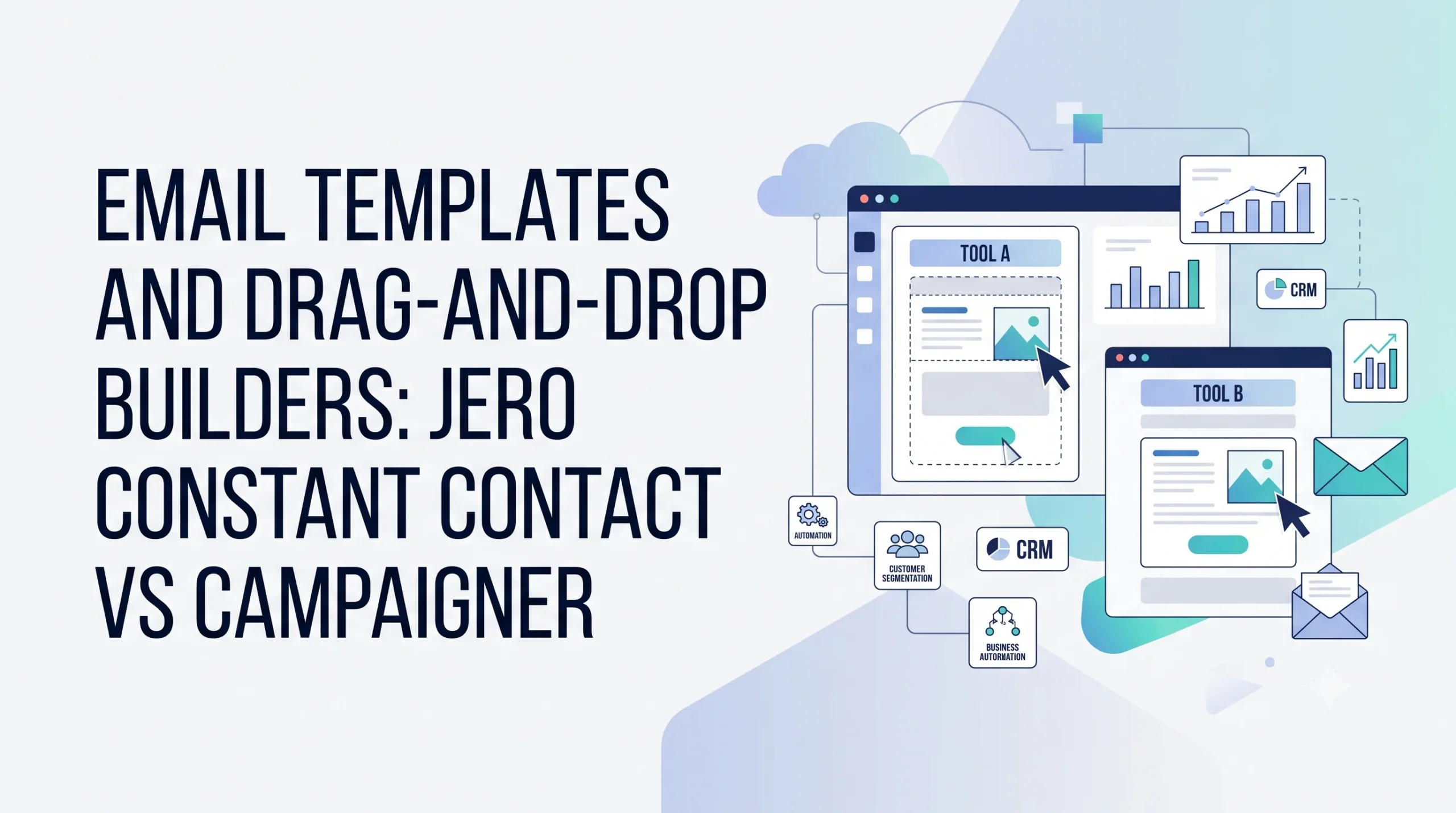
An email template is a pre-designed, reusable layout framework that serves as the foundation for your email campaigns. Instead of building an entire message from scratch using code or complex design modules every time you want to message your subscribers, you use a master blueprint.
These master blueprints contain pre-arranged design blocks, set fonts, styled buttons, and dedicated spaces for your brand logo and legal footers. When it is time to build a new campaign, you simply open the layout, swap out the main copy text, update the primary images, and insert your specific links.
Modern marketing software platforms make this process highly accessible by providing intuitive drag-and-drop interfaces. This means you do not need to understand complex HTML or CSS code to create visually appealing layouts that adjust automatically to different screen sizes.
Why Email Templates Are Crucial for Modern Content Strategy
Operating a modern digital workflow requires a careful balance between production speed and presentation quality. Straining your resources to build every layout manually introduces unnecessary friction into your marketing calendar.
Instant Time Savings
The most immediate benefit of adopting structural blueprints is the elimination of repetitive design tasks. Instead of spending hours adjusting padding, checking table borders, and testing image alignments, you can focus entirely on your messaging. This cuts the time required to build a standard email newsletter down from hours to minutes.
Unified Brand Identity
Consistency builds consumer trust over time. When a subscriber opens your message, they should immediately recognize your brand by its signature color palette, font choices, and structural layout. Using a standard master blueprint prevents team members from accidentally using wrong colors, pixelated logos, or unauthorized typography.
Reduced Technical Errors
Building custom code for every message increases the risk of structural breaking. Different email providers like Gmail, Apple Mail, and Outlook render HTML code in wildly different ways. A custom layout that looks flawless in your browser might arrive completely broken in your subscriber’s inbox. Pre-built blueprints are heavily tested across all major providers to ensure your text and images display correctly everywhere.
How Email Templates Work in Practical Workflows
Using reusable email frameworks bridges the gap between your overall business plan and your day-to-day tactical execution. It shifts your email creation from an unpredictable design chore into a clean, predictable factory line.
The everyday creation process follows a standardized operational flow:
[Select Master Layout] --> Open your pre-tested, responsive brand framework.
[Input New Content]    --> Paste your latest article text and upload product images.
[Personalize Links]    --> Insert tracking URLs and adjust custom data tokens.
[Run Rapid Test]       --> Preview rendering on mobile and desktop devices.
[Schedule & Deploy]    --> Send your polished campaign to targeted segments.
To coordinate this process seamlessly, businesses use specialized email marketing applications. The software holds your master layout assets in a central cloud media library, allowing your team to collaborate, revise copy, and schedule sends without altering the underlying code structure. To see how these systems fit into your larger marketing ecosystem, read our guide on Email Marketing Basics.
Core Types of Email Templates
Different business goals require different layout structures. Building a small library of specialized frameworks ensures you always have the right foundation ready for your specific campaign types.
1. The Standard Newsletter Template
This is the workhorse of your relationship-building strategy. It is designed to share educational articles, company news, helpful tips, and community updates.
- Structure: Typically features a prominent header block, a primary featured article section with a large image, and two or three smaller secondary content blocks below.
- Best For: Driving ongoing traffic to your blog or review site while maintaining continuous brand touchpoints.
2. The Promotional Product Showcase
When your primary goal is driving direct e-commerce sales or software trial sign-ups, you need a layout that minimizes distractions and highlights products visually.
- Structure: Features bold hero imagery, clear pricing boxes, brief feature bullet points, and highly visible, high-contrast Call-to-Action (CTA) buttons.
- Best For: Announcing seasonal discounts, rolling out new product collections, or sharing limited-time software promotions.
3. The Plain-Text Transactional Design
Not every marketing message needs to look like a glossy magazine page. In fact, highly styled layouts can sometimes feel impersonal when a user expects a direct, one-on-one communication.
- Structure: Minimalist layout stripped of heavy background colors, multi-column grids, and large decorative graphics. It relies purely on clean typography, simple headers, and clear hyperlinks.
- Best For: Welcome messages from the founder, password resets, purchase confirmations, or critical account updates. To see how these play into automated user paths, consult Marketing Automation Explained.
4. The Multi-Column Curator Layout
If your business acts as an informational hub that compiles external resources, industry news, or product roundups, you need a framework designed for high scannability.
- Structure: A grid-based layout utilizing clean dividers, thumbnail images, and short, snappy text snippets.
- Best For: Weekly digests, top-ten tool roundups, and affiliate product review summaries.
The Benefits of Reusable Email Frameworks
Integrating structured frameworks into your marketing workflows yields measurable operational advantages that enhance both team productivity and subscriber engagement.
Enhanced Scalability
When creating an email requires hours of layout coordination, your capacity to communicate is severely limited. By removing that bottleneck with reusable designs, you can easily scale your volume. You can transition from a single monthly digest to a weekly segment strategy without increasing your design budget or staffing costs.
Error-Free Personalization
Modern layouts integrate merge tags—dynamic snippets of text code that swap out generic labels for actual subscriber data, like their first name or city. Because these tokens are embedded directly into your master blueprint frames, you do not have to manually re-insert them for every campaign, reducing the risk of sending a message with broken placeholder code.
Streamlined Optimization Testing
If you want to know whether a green button converts better than a red button, templates make the test incredibly simple. You can duplicate your master layout, make a single color adjustment to the button module, and run a clean A/B split test across your audience segments to discover what truly drives engagement.
Key Challenges to Watch Out For
While templates provide incredible efficiency, relying on them without a clear strategy can introduce specific technical and stylistic problems.
- The Trap of Visual Boredom: If you send the exact same layout structure with the same color patterns three times a week, subscribers can experience visual fatigue and start scanning past your content.
- Overloading Mobile Viewports: Some complex, multi-column desktop designs do not scale down correctly on small smartphone screens, leading to text overlaps or tiny, unclickable buttons.
- Deliverability and Bloat: Code generated by poorly built visual editors can sometimes contain hidden, unnecessary bloat that inflates file sizes, occasionally causing email providers to clip your message or redirect it to spam folders.
Comparing Scratch-Built HTML and Framework Layouts
To help you decide how to allocate your design resources, let’s contrast building custom code for every send against utilizing reusable frameworks.
| Operational Metric | Scratch-Built Custom HTML | Reusable Framework Layouts |
|---|---|---|
| Initial Creation Time | Very high (requires hours of custom coding) | Low (swap text and imagery into ready frames) |
| Coding Knowledge Required | Expert level (HTML, CSS inline styling) | Beginner friendly (drag-and-drop visual builders) |
| Mobile Display Security | High risk of layout breaks if not tested | High security (pre-tested responsive blocks) |
| Brand Control Accuracy | Varied (easy for errors to slip in manually) | Rigid (locked styles preserve brand assets) |
| Long-Term Production Cost | Expensive (continuous design hours needed) | Cost-effective (one-time setup, infinite uses) |
Best Practices for Maximizing Template Performance
To ensure your pre-built designs look professional, render flawlessly, and drive meaningful clicks, follow these core industry design standards:
- Enforce a Mobile-First Layout Design: Keep your column structures simple. Single-column layouts are highly recommended because they naturally scale down to fit phone displays without forcing users to pinch or zoom to read text.
- Maintain a Balanced Text-to-Image Ratio: Avoid creating an email that consists of a single large image. Many email applications block image loading by default, which means your subscriber will see a blank box. Aim for roughly 60% text and 40% imagery to guarantee readability and strong deliverability.
- Optimize Your Header and Preview Space: Place your logo and most important call-to-action near the top of the layout. Subscribers should understand the core purpose of your message within the first three seconds of opening it without scrolling.
- Incorporate Clear Accessibility Elements: Always include descriptive Alternative Text (Alt Text) for every image in your template configuration. This ensures that visually impaired subscribers using screen readers can easily understand the context of your visuals.
- Segment and Personalize Contextually: Use clean template variants tailored to specific user buckets. A repeat buyer should receive a layout that feels distinctly different from a brand-new lead who just subscribed. For a deeper look at managing these lists, refer to our Audience Segmentation Guide.
Common Template Mistakes to Avoid
Many beginner marketers unintentionally lower their campaign performance by making simple mistakes during their setup phases. Watch out for these common errors:
- Leaving Default Placeholder Text Intact: Nothing ruins credibility faster than sending a campaign that contains filler text like “Lorem Ipsum” or “Insert Headline Here” in the footer blocks. Always run a thorough final checklist check before deploying.
- Using Complex, Non-Standard Fonts: Web browsers and email applications can only display fonts installed on the user’s local device. If you use an exotic custom font, the recipient’s device will swap it out for a basic font like Times New Roman, which can break your layout formatting. Stick to safe web fonts like Arial, Helvetica, or Verdana.
- Neglecting the Unsubscribe Link Block: Every single marketing campaign must include a clear, easy-to-find option for users to opt out of your list. Hiding or omitting this block violates international anti-spam laws and will hurt your domain reputation.
- Failing to Monitor Basic Performance Data: If you do not track how your template edits affect user behavior, you cannot optimize your strategy. For an exploration of the key metrics you need to watch, check out our Email Analytics Guide.
Real-World Operational Examples
Let’s look at how utilizing structured design layouts changes the daily operations of two completely different online business models.
Case A: The Independent E-Commerce Retailer
An online store owner wants to run weekly flash sales. Before using templates, they had to spend all of Monday building a custom flyer layout, leaving zero time to analyze results.
Now, they use a master Promotional Showcase Layout. They simply drop in the new product photo, paste the discount code, and update the CTA button link. The entire creation process now takes 15 minutes, allowing them to devote their energy to tracking inventory and optimizing conversion metrics.
Case B: The Software Review Hub
A review website manages a high-volume content pipeline covering digital platforms. They utilize a distinct Curator Blueprint to distribute their weekly roundups. The template features set slots for software pros, cons, and direct affiliate rating buttons.
Because the structure never changes, multiple team writers can confidently input content without breaking the site’s design rules, ensuring a cohesive and recognizable look for every issue.
Choosing Software Platfoms with Premium Template Builders
As your email strategy matures, your choice of underlying software plays a huge role in how easily you can design, save, and manage your reusable layouts. Platforms differ significantly in their design flexibility and learning curves.
When researching platform options, look for tools that fit your day-to-day layout needs:
- Beginner-Friendly Visual Builders: Services like Mailchimp, Brevo, Constant Contact, or GetResponse excel at providing massive libraries of pre-designed, ready-to-use themes. Their drag-and-drop mechanics make it incredibly simple for non-technical users to build clean layouts quickly without touching a single line of code.
- Advanced Dynamic Automation Hubs: Platforms such as ActiveCampaign or HubSpot allow you to build sophisticated layouts where individual blocks change dynamically based on user data. For instance, a single template can show a discount block to a retail consumer while automatically hiding it for a wholesale client.
- High-Volume Enterprise Customizers: Solutions like Campaigner are built for advanced senders who need absolute control over their code, offering hybrid editors where you can seamlessly mix visual layout blocks with raw HTML code adjustments.
Before committing your financial resources to a premium tier, use the trial periods offered by these applications. Upload your brand assets, build a quick test newsletter, and send a preview copy to your smartphone to verify that the template builder behaves intuitively. For a detailed breakdown of how to evaluate these software choices, check our master buying guide: How to Choose an Email Marketing Platform.
Frequently Asked Questions
Will using email templates make my brand look generic?
Not if you customize them properly. A template provides the structural layout (like a two-column grid or a header block), but you control the branding elements. By applying your own unique color codes, signature fonts, custom photography, and distinct copywriting voice, your messages will look unique and highly professional.
Can I import custom HTML templates into standard email software?
Yes. Most modern email marketing tools allow you to upload raw HTML files created by external designers. However, keep in mind that importing raw code sometimes disables the native drag-and-drop editing features, requiring you to make text updates directly inside the code editor.
Are single-column layouts better than multi-column designs?
For general marketing campaigns, yes. Single-column layouts offer superior mobile responsiveness because they naturally adapt to vertical phone screens. Multi-column designs can work well for complex product grids or rich content digests on desktop viewports, but they must be thoroughly tested to prevent stacking issues on smaller screens.
How often should I update or refresh my master templates?
It is a solid practice to perform a minor visual refresh every twelve to eighteen months. This keeps your communication looking modern and prevents your audience from experiencing visual fatigue, while preserving your core brand recognition elements like logos and primary colors.
What does “responsive design” mean in email marketing?
Responsive design means that the underlying HTML code of your email template automatically detects the screen size of the device opening it. The layout then dynamically reshapes itself—resizing images, wrapping text lines, and stacking columns vertically—to ensure a perfect viewing experience across desktops, tablets, and smartphones.
Core Template Implementation Checklist
Before you deploy your next campaign, complete this essential design and quality checklist:
- [ ] Applied your official brand color hex codes and logos to the master layout.
- [ ] Embedded a functional, easily visible unsubscribe link block in the footer.
- [ ] Attached descriptive Alternative Text to every image asset in the campaign.
- [ ] Checked that all merge tags and personalization tokens match your software parameters.
- [ ] Sent a physical preview test copy to both a desktop and a mobile device to confirm rendering.
Conclusion
Mastering the use of email templates is one of the easiest ways to transition your email marketing from a stressful chore into an organized, efficient business system. By eliminating the need to design every layout from scratch, you instantly free up valuable time that is better spent creating impactful copy, refining your audience targeting strategies, and analyzing your performance metrics.
The secret to a successful setup lies in balancing structural repetition with creative freedom. Build a reliable base of three or four pre-tested, fully responsive brand layouts that handle your standard newsletters, sales promotions, and personal updates. By protecting your visual identity and maximizing your production speed, you can build deeper, more reliable connections with your subscribers that translate into long-term customer loyalty.